Tya demo ya Fortune Tiger na iPhone na yo
Three taps in Safari · about 1 minute
Étape na étape
Step 1 — Menu button
Open the demo page (link at the end of this guide) and tap the menu button (three lines) at the bottom of the screen in Safari's toolbar.
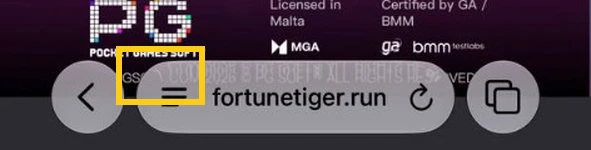
Current iOS

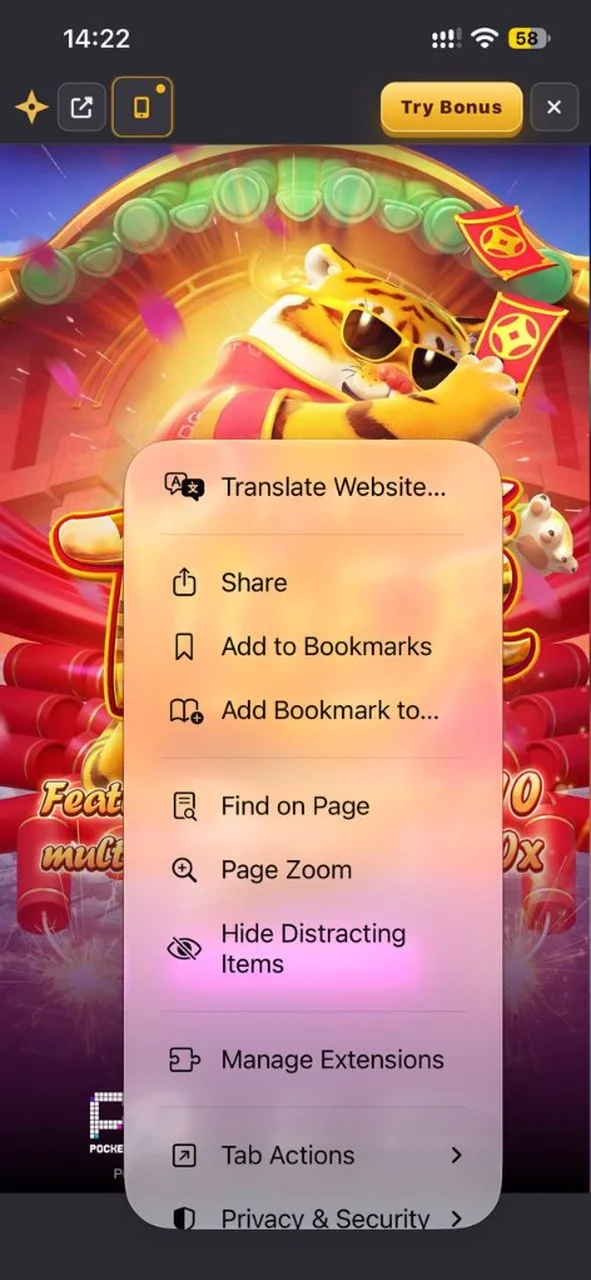
Step 2 — Share
Choose Share — in Safari this is usually the square with an up arrow.

Current iOS
Step 3 — Add to Home Screen
Scroll the list of actions and choose Add to Home Screen. If it is not listed, open Edit Actions at the bottom and turn it on. In the next sheet, if iOS offers Open as Web App, turn it on, then tap Add.
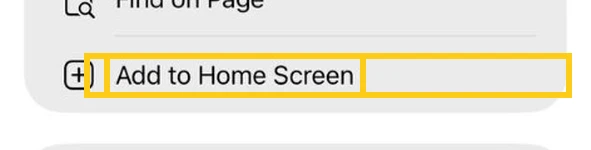
Current iOS
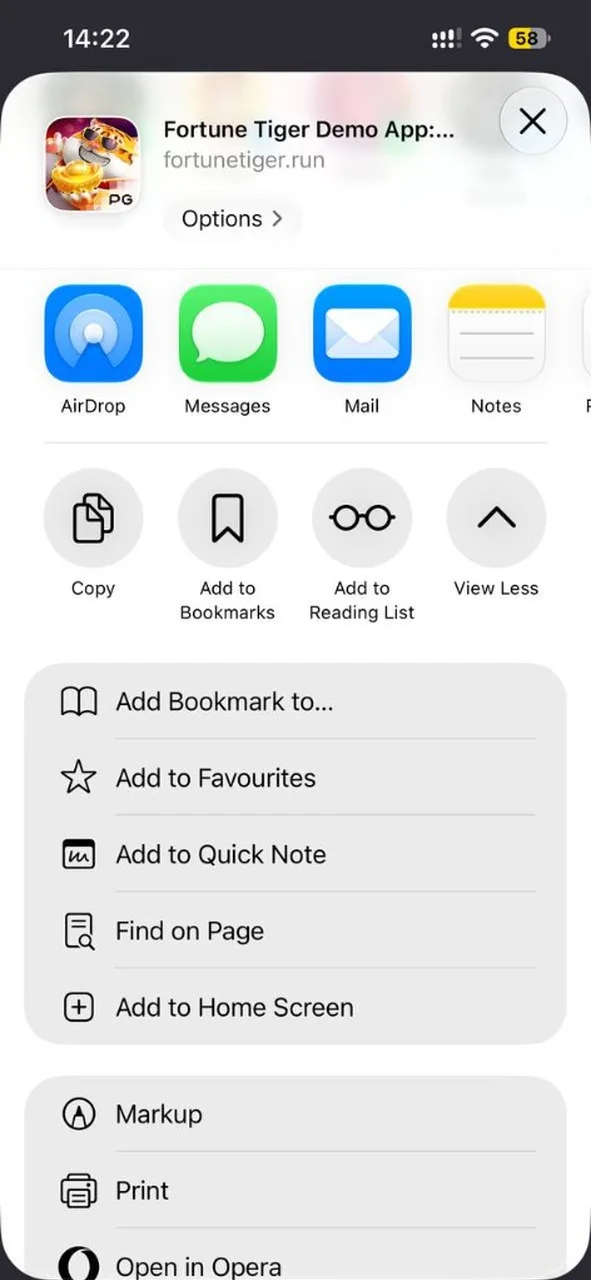
Complete the 3-step tour — then copy the Safari link below
You're ready — open the demo in Safari
Paste the link in Safari's address bar, then repeat the 3 steps above on the demo page.
Open Safari and paste in the address bar
Why install?
Na pene na minute moko, Fortune Tiger ekokí kozala na Écran ya Ndáko na yo — écran mobimba, tap moko, ndéngé moko ya mikolo nyonso ya ba apps oyo olingí. Icône ezali esika ozozela, efungwamaka na fenêtre na yangó mpe eyebani banda kobanda ya libosó. Apple etíyí raccourci officiel oyo na Safari; ba étapes misáto oyo ezalí nzela moko oyo ba millions basalelaka — mpe résultat ekokání na app oyo etyamí na ndéngé ya kala.